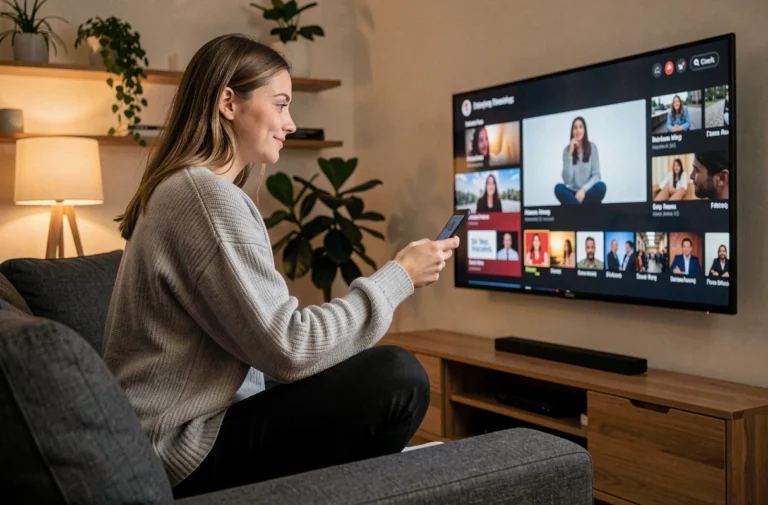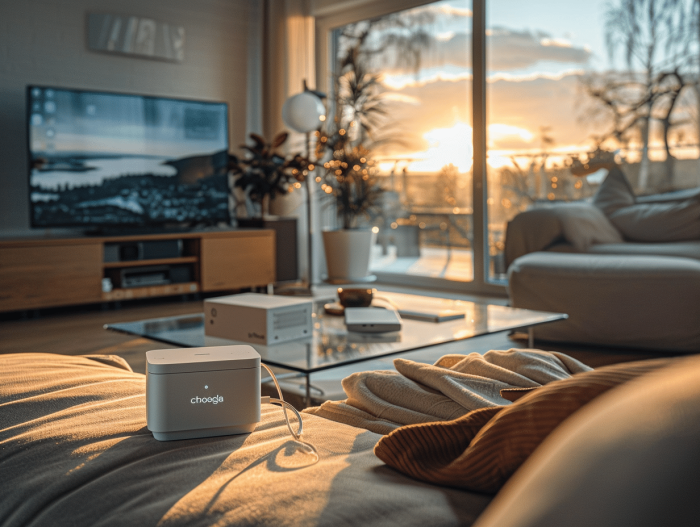
When it comes to expanding the multimedia capabilities of a computer, Google’s Chromecast stands out as a practical and affordable solution. This compact device transforms a regular screen into a connected entertainment hub, providing access to a multitude of streaming content. The benefits of using a Chromecast include easy installation, the convenience of casting content from various devices, and integration with the Google ecosystem. To set up a Chromecast, simply plug it into the HDMI port of the screen and configure it using the Google Home app, a straightforward and quick process.
The benefits of choosing a Chromecast for your computer
Choosing a Chromecast for your computer means adopting a versatile and user-friendly streaming solution. The device easily connects to your screen via an HDMI port and only requires a connection to a Wi-Fi network to operate. This simplicity of installation eliminates the technical constraints often associated with similar equipment.
In terms of compatibility, the Google Chromecast excels in its adaptability. It is designed to work seamlessly with a variety of operating systems, including Android, iOS, Windows, Mac OS X, Chrome OS, and Linux. This versatility ensures that no matter what device you have, you will be able to stream your desired content without a hitch.
The Chromecast is not only compatible with a wide range of devices, but it is also capable of streaming content in 4K, ensuring remarkable image quality for streaming services that support this resolution. Users enjoy an enhanced visual experience, whether watching movies, series, or videos on platforms like Netflix, YouTube, or Google Play Movies & TV.
The integration of the Chromecast within the Google ecosystem offers notable advantages. Those who own Smart TVs or Google TV devices will find that the Chromecast integrates seamlessly, allowing for smooth interaction between devices. Music streaming services such as Spotify, Deezer, or Google Play Music are easily accessible, transforming your computer into a true personal entertainment hub.
To install Google Chromecast, you will need to follow a guided and well-defined process, making the setup an operation within everyone’s reach.
Guide to setting up Chromecast on a computer
Setting up a Chromecast revolves around a guided procedure that is both accessible and quick. For computer users, the first step is to plug the Chromecast into an HDMI port on the television. Make sure your computer is connected to the same Wi-Fi network as the Chromecast device to ensure smooth communication between the devices.
Once the Chromecast is connected, the installation continues on the computer. Open the Google Chrome browser, essential for the operation, and go to the Chromecast setup website. This online platform will guide you through the various steps to link your streaming device to your home network and start streaming your favorite content.
For those who prefer to use a smartphone or tablet for setup, the Google Home app is the ideal tool. Downloadable from the Play Store or the App Store, this app greatly simplifies the synchronization of your Chromecast with your Wi-Fi network and allows for intuitive control of the content to be streamed. Follow the instructions provided by the app to complete the installation and enjoy an optimal streaming experience.